
Saturday, March 21, 2015

Tuesday, March 17, 2015
Another Static Shock pose- wIP
I am just putting up pictures now- did this static shock image in photoshop to see if I can make some work on industry digital software- looks okay- gotta work on my hands
peace

peace
Monday- post- face again
Hey, wanted to post up an image I did yesterday. I created it in Sketchbook Pro 7, which has some cool features that I did not notice in Sketchbook pro 6 or 2011- the paint bucket tools and the clean path tools are not new but their ease of use is more apparent than before- so here is my process

- using the standard pencil tool- I create a layout sketch in the bottom layer ( right above the BG layer which I am digging right now)
- I lower the opacity of that layer and clean up in a layer above- still using the pencil tool.
- Once I feel the draft is clean enough for my use, I lower the opacity of that new layer and turn off the original layer and start inking with a modified pencil brush - many of the standard pencils can be modifies using the brush tool sliders- the pencil tool I use now looks and feels like an ink brush- I use to use the felt pen modified- but I like to keep that rough for sketching and this pencil for inking ( your preference really)
- I found out when I ink a line, my hand moves best in one direction so I use the rotate canvas feature with my Wacom Intuous 4 a lot. - Also the space bar on my Mac ( I love this feature on the fly- makes work more fluid)
- Okay- here is where I found out, that the steady stroke tool works wonders on long sweeping lines- it also is pressure sensitive for thick and thin line transition-otherwise I would be doing this by hand- time and lifesaver!
- Now I have a clean line drawing- what about large black fill areas like under the chin and hair- this is where i found out the selection tool along with the paint bucket tool gives the better result. Before I was trying to outline an area and fill inside that area- this always left a blank halo or if double clicked over saturated the fill- selection/ fill is a cleaner method...
( note I will usually do all the above in green or blue color but then change the layer to black with the Hue/Saturation pick under the Image>Adjust tab.. ( again your preference)
Okay now to color once I have a clean line drawing( note using hard eraser is a good thing for outlines..
1.To make base colors I open a layer underneath the line drawing layer- and use the now tested selection/fill technique. There may be some clean up or erasing needed so zooming in to areas is also a plus for a clean look
2 Now for highlights, I like to place geometric fills on a layer between the line and above the base color...
3.Since I don’t want the highlights to be completely sharp and jagged; I use the soft eraser tool to give the highlights a more organic /geometric mix transition... and thats it...
4. Last but not least I choose a BG color that helps the image pop-
2 Now for highlights, I like to place geometric fills on a layer between the line and above the base color...
3.Since I don’t want the highlights to be completely sharp and jagged; I use the soft eraser tool to give the highlights a more organic /geometric mix transition... and thats it...
4. Last but not least I choose a BG color that helps the image pop-
Monday, January 5, 2015
my controversial rant
I try to be as least controversial as possible- intent on pleasing the biggest audience. However, I can only take listening to You tube channels that comment on controversial subject matters only so much and the visage of the great Prophet also known as Immanuel is probably the most controversial figures in history and has been envisioned by Europeans for centuries as a certain way... Even in some black churches and houses his visage is similar.... Trying not to be disrespectful to the perception of some people- I wanted to create my own visage of this great individual- So here is my version of the Christ- next I will do Santa Claus....

Saturday, January 3, 2015
New years sketch
I started posting on ELANCE.com and wanted a quick sketch to submit to a potential customer- So I worked on this farmer piece on New years eve/morning- To show i could handle detail on a western theme- so here is THE FARMER

Watching old movies
I am watching old movies on Hulu Plus as my research for comics and animation- I caught this old serial about Chandu the magician, starring Bela Lugosi- produced in the 30's- this seems to be the the probable influence to Marvels Doctor Strange - the idea seems plausible- but here is my version of Chandu the magician...
quick sketch day
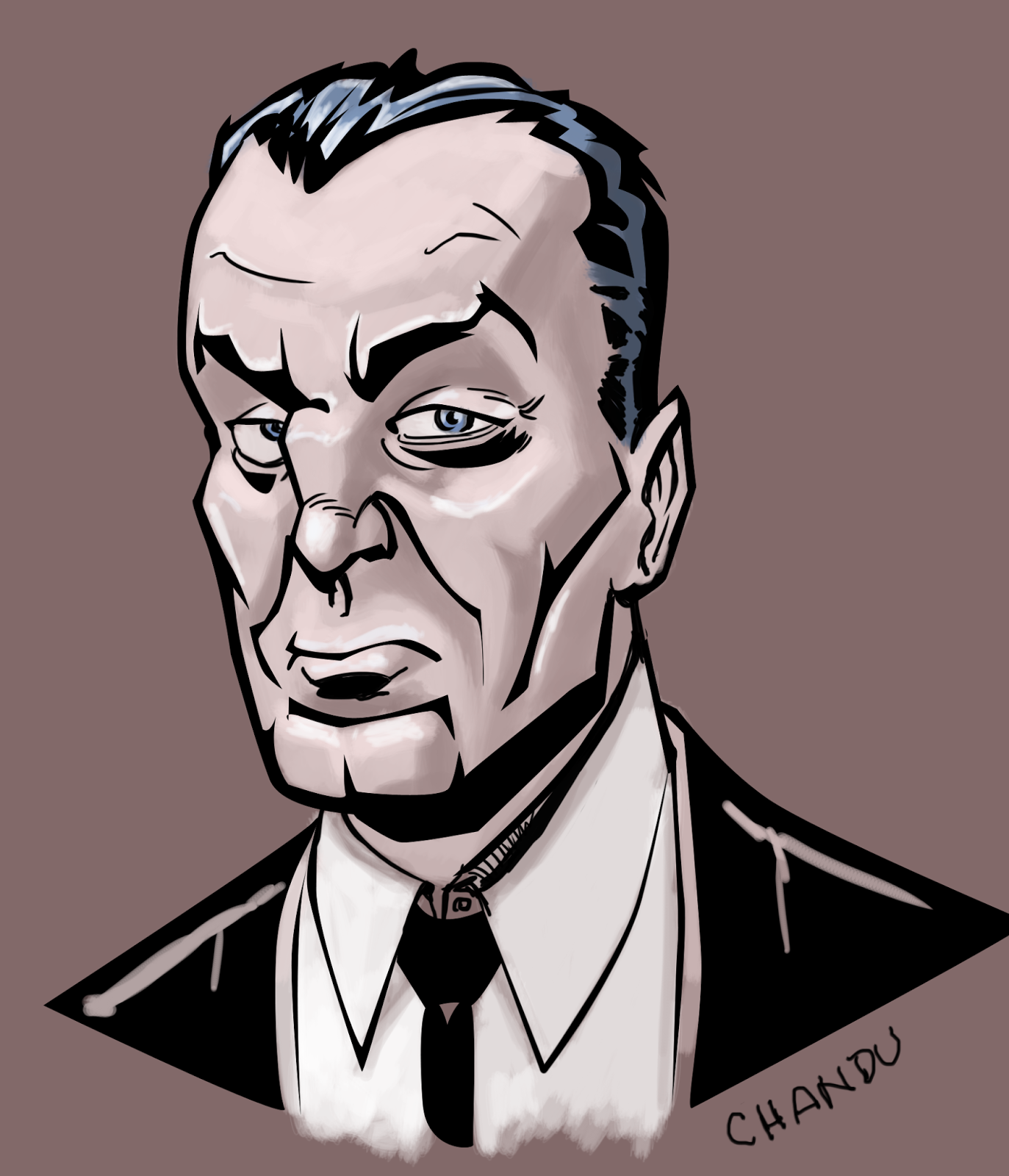
Hanging with my father yesterday- just sketching on the computer- I was into some old movies earlier and watched Mr Wong detective movies by Boris Karloff on Hulu plus- kind of a little stereotypical at the time of using and English actor to play a Chinese-American detective....but I digress- still good cinema--so I recreated a quick sketch I was working on at the time- I did this in Sketchbook Pro- still getting up the nerve to create assets for moving comics
oh well here it is- my version of Mr WONG
 I can tell I need to work on clothing better- in the movies Mr Wong was formerly dressed- I may expand in the look in character sketches
peace...
oh well here it is- my version of Mr WONG
peace...
Subscribe to:
Posts (Atom)